Analytical presentation
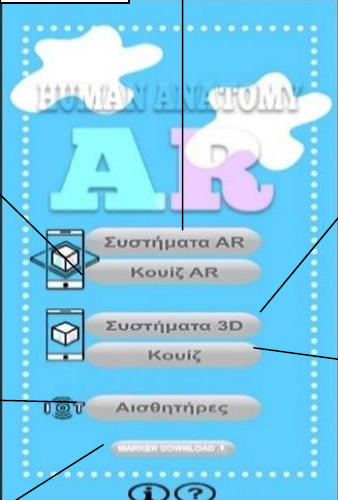
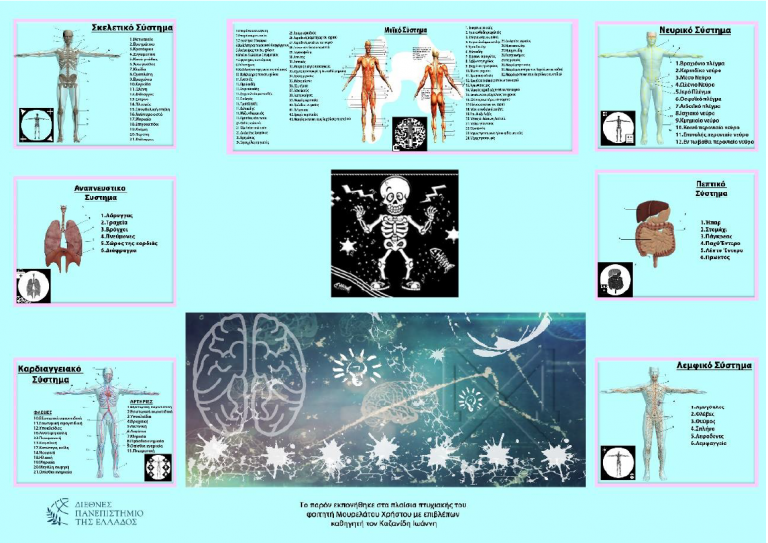
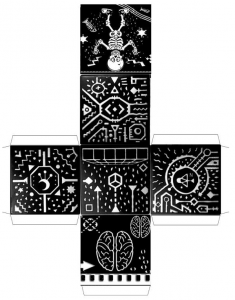
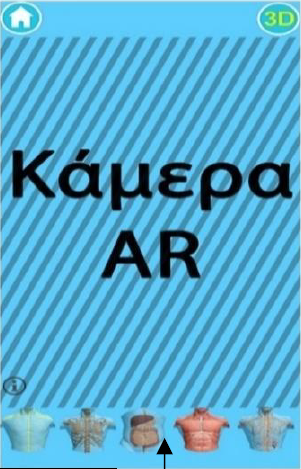
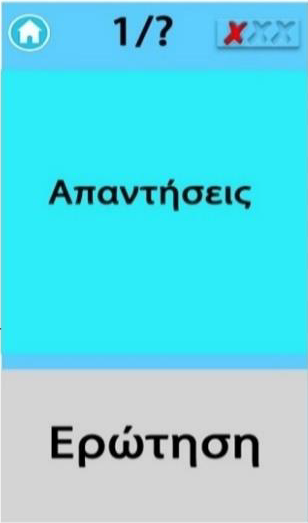
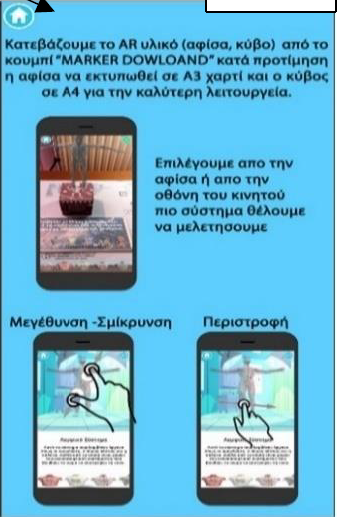
The application is compatible with almost the largest percentage primary and secondary education courses which have as a subject the human anatomy. The first section which is also the initial menu of the application includes eight buttons which are the most basic. The first option is the AR System which opens the device’s camera and waits until it locates the AR Cube and the AR Poster to display the virtual buttons and the human body. Through virtual buttons which appear on the poster the user is able to select the human system that wants to learn information. The second option from the home menu is AR Quiz which opens the device’s camera and waits until it detects only the AR poster. The AR Quiz displays questions on the virtual screen above the poster which the user can answer via the virtual buttons. The third option named System 3D displays to the user on his mobile phone screen a human body and options to see some information about the human system. The fourth Quiz option displays questions on the screen that the user can answer by choosing the correct answer from his mobile phone screen. Also with the Marker Download option the user can download and print the poster and the 3D cube. Through the fifth option named Sensors the user can take measurements on real time using temperature sensors and heart rate sensors. In addition, with the option «?» (help) a tab appears with information how to use the app.
The current project has been developed by Mourelatos Christos as part of his dissertation under the supervision of Kazanidis Ioannis.
Implementation is almost compatible with the highest percentage of primary and secondary education courses which are subject to human anatomy. The first section which is the original menu of the application includes eight buttons which are the most basic. The first option is the AR system which opens the camera of the device and waits until it spots the AR cube and the AR Poster to display the virtual buttons and the human body. Through the virtual buttons which appear on the poster the user can be selected more human system wants to learn information. The second option from the original menu is Quiz AR which opens the camera of the device waits until it only spots the AR poster. The AR Quiz displays questions on the virtual screen on the poster which the user can answer through the virtual buttons. The third option named System 3D shows the user on the mobile screen a human body and options to see some information about the human system. The fourth Quiz option displays on the screen questions which the user can answer by selecting the correct answer from the mobile screen. Also with Marker Download option the user can download and print the poster and 3D cube. Through the fifth selection called Sensors the user can via special temperature sensors and heart beats take measurements in real time. Finally, "?" (help) appears a tab with information on how to use the application.
This work was carried out in the framework of the degree of Mourelatus Christos under the supervision of Kazanidi Ioannis.

References
Mourelatos H., Kazanidis I., & Tsinakos A. (2019). Introduction to the organs of the human body using augmented reality. 2nd Panhellenic Conference “Open Educational Resources and Electronic Learning”, Corinth, 13-14 December 2019